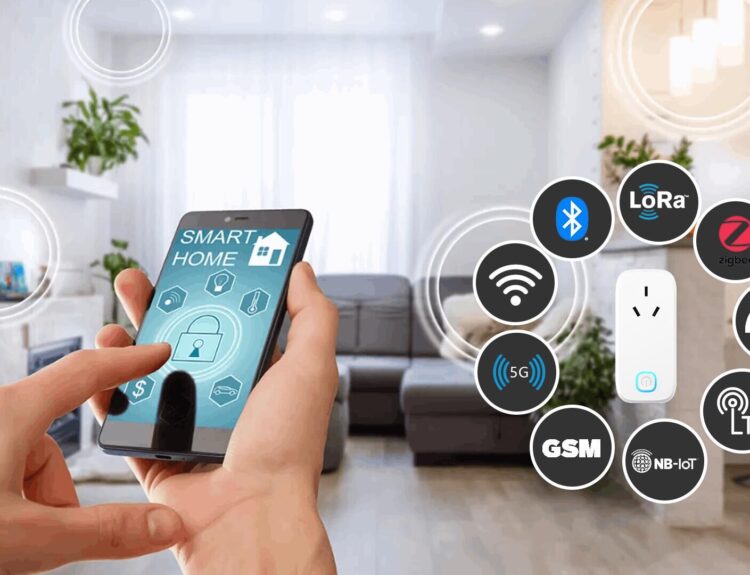


We have explored each of the ten must-have smart home devices in detail, covering their problem statements, benefits, advantages, disadvantages, installation guides, comparisons, prices, and best solutions. Here’s a quick recap of each device:
- Smart Thermostats: Automated temperature control, energy savings, and enhanced comfort. Best Solution: Nest Learning Thermostat.
- Smart Lighting: Energy efficiency, customizable ambiance, and remote control. Best Solution: Philips Hue.
- Smart Security Cameras: Real-time monitoring, motion detection, and remote access. Best Solution: Arlo Pro 4.
- Smart Locks: Keyless entry, enhanced security, and remote control. Best Solution: August Smart Lock Pro.
- Smart Doorbells: Real-time visitor notifications, two-way communication, and motion detection. Best Solution: Ring Video Doorbell Pro 2.
- Smart Plugs: Remote control of appliances, energy usage monitoring, and scheduling features. Best Solution: TP-Link Kasa Smart Plug.
- Smart Speakers: Voice control capabilities, high-quality audio, and central hub functionality. Best Solution: Amazon Echo (4th Gen).
- Smart Vacuum Cleaners: Autonomous cleaning, time-saving features, and advanced mapping capabilities. Best Solution: iRobot Roomba i7+.
- Smart Home Hubs: Centralized control, enhanced automation, and improved integration. Best Solution: Samsung SmartThings Hub.
- Smart Blinds: Automated light and privacy control, enhanced energy efficiency, and remote control. Best Solution: Lutron Serena Shades.
9. Smart Home Hubs
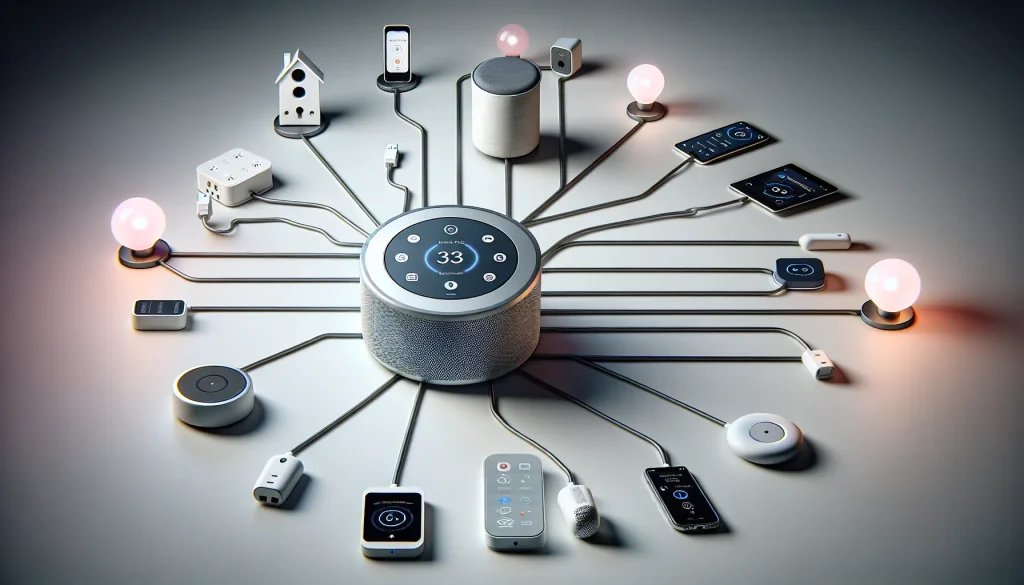
Introduction: Centralized control of smart home devices is becoming increasingly important, leading to the rise of smart home hubs. These hubs allow users to manage multiple devices from a single platform, simplifying the user experience and enhancing the overall functionality of the smart home. By integrating various smart devices into a cohesive ecosystem, homeowners can enjoy seamless control and automation.
Problem Statement: Managing multiple smart devices independently can be challenging and inefficient. Traditional methods of controlling individual devices through separate apps or remote controls can be cumbersome and time-consuming. There is a need for a centralized solution that integrates various devices and enables streamlined control and automation.
Benefits: Smart home hubs offer numerous benefits that enhance convenience, automation, and integration. By providing centralized control, they allow homeowners to manage all their smart devices from a single platform, reducing complexity and streamlining the user experience. Smart home hubs enable the creation of advanced automation routines, ensuring that devices work together harmoniously to enhance the overall functionality of the home.
Advantages: One of the primary advantages of smart home hubs is centralized control. Homeowners can use a single app or voice assistant to manage all their smart devices, eliminating the need for multiple apps and remote controls. This centralized control enhances convenience and makes it easier to monitor and adjust various devices.
Another significant advantage is enhanced automation. Smart home hubs enable the creation of complex automation routines that coordinate the actions of multiple devices based on specific triggers. For example, a “Good Morning” routine could simultaneously turn on lights, adjust the thermostat, and start the coffee maker. These advanced automations enhance convenience and efficiency by automating repetitive tasks.
Improved integration is another key advantage of smart home hubs. Devices from different manufacturers can be integrated into a single ecosystem, ensuring seamless operation and compatibility. This integration allows for a unified smart home experience where all devices work together harmoniously.
Remote access and monitoring are additional benefits of smart home hubs. Homeowners can use apps to monitor and control their smart devices remotely, checking the status of devices, receiving alerts, and making adjustments from anywhere. This feature is particularly useful for managing home security, energy usage, and other critical functions while away from home.
Disadvantages: Despite their many benefits, smart home hubs do have some disadvantages. The initial setup of a smart home hub and integrating various devices can be time-consuming and technically challenging. Users may need to configure multiple settings, pair devices, and ensure compatibility.
Compatibility issues with some devices may also arise. Not all devices are compatible with every hub, requiring careful selection of compatible products. Users may need to research and choose devices that work well within their chosen ecosystem.
A stable Wi-Fi connection is essential for the proper functioning of smart home hubs and connected devices. Any disruptions to the internet can impact the performance and reliability of the smart home system. Additionally, as with any technology, smart home systems can experience technical issues or glitches, requiring regular updates and maintenance to ensure smooth operation.
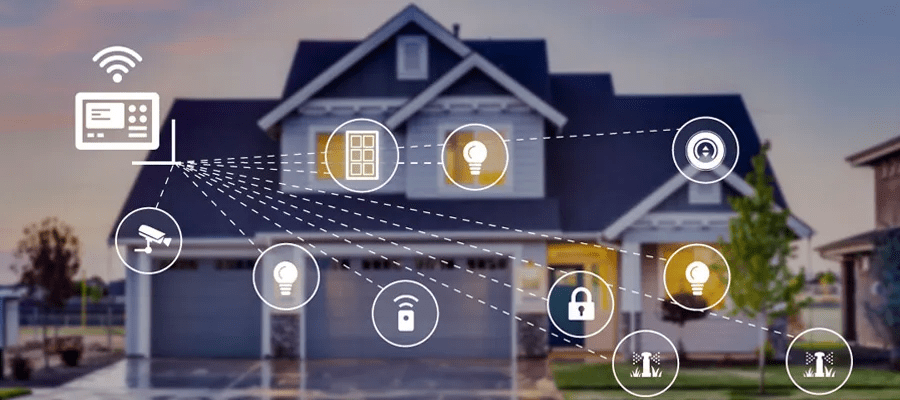
Installation Guide: Installing and setting up a smart home hub is a straightforward process, but it is essential to follow the manufacturer’s instructions carefully to ensure proper functionality. Here is a general installation guide:
- Select a Smart Home Hub: Choose a hub such as Samsung SmartThings, Hubitat, or Apple HomeKit that suits your needs and supports your devices. Consider factors such as compatibility, features, and ease of use.
- Set Up the Hub: Follow the manufacturer’s instructions to set up the hub and connect it to your Wi-Fi network. Ensure that the hub is placed in a central location with good Wi-Fi coverage.
- Connect Devices to the Hub: Use the app associated with the hub to add and configure your smart devices. Pair each device with the hub and follow the setup instructions for integration.
- Create Automation Routines: Set up custom automation routines that coordinate the actions of multiple devices based on specific triggers. For example, create routines for waking up, leaving the house, or going to bed.
- Test and Optimize: Test the connectivity and automation of your devices to ensure they work seamlessly together. Make any necessary adjustments to optimize performance and address any issues that arise.
- Monitor and Maintain: Regularly monitor the status of your devices and perform maintenance tasks such as firmware updates to ensure optimal functionality. Stay engaged with the system to address any technical issues promptly.
Comparison: There are several popular smart home hubs on the market, each with its unique features and capabilities.
Smart Home Hubs
| Smart Home Hub | Price | Best Feature |
|---|---|---|
| Amazon Echo (4th Gen) | $99.99 | Best overall |
| Aeotec Smart Home Hub | $130.00 | Best for SmartThings users |
| Amazon Echo Dot (5th Gen) | $35.00 | Best budget hub |
| Apple HomePod Mini | $100.00 | Best for Apple HomeKit |
| Google Nest Hub (2nd Gen) | $83.00 | Best for Google Home |
| Amazon Echo Show 15 | $249.99 | Best smart display |
| Samsung SmartThings Hub | $69.99 | Best for Samsung appliances |
| Hubitat Elevation | $129.95 | Best for power users |
| Logitech Harmony Hub | $99.99 | Best for home entertainment |
| Wink Hub 2 | $99.00 | Best for multi-protocol support |
Detailed Descriptions:
Amazon Echo (4th Gen):
Price: $99.99
Description: This hub supports Wi-Fi, Bluetooth, Zigbee, and Matter. It acts as an eero extender, has motion and temperature sensors, and can listen for smoke alarms and glass breaking. It’s a versatile choice for most users.
Aeotec Smart Home Hub:
Price: $130.00
Description: Compatible with SmartThings, Alexa, Google Home, Z-Wave, and Zigbee. It offers a huge range of compatible brands and products, making it a versatile and powerful hub.
Amazon Echo Dot (5th Gen):
Price: $35.00
Description: A budget-friendly option that offers most of the features of the full-size Echo, except Zigbee. It’s a great entry-level smart home hub.
Apple HomePod Mini:
Price: $100.00
Description: Best for Apple HomeKit users, this hub offers excellent sound quality and integrates seamlessly with Apple devices. It supports Siri voice control and HomeKit automation.
Google Nest Hub (2nd Gen):
Price: $83.00
Description: Best for Google Home users, this hub offers high-quality sound, a built-in display, and integrates with Google Assistant for voice control and smart home automation.
Amazon Echo Show 15:
Price: $249.99
Description: A smart display hub with a built-in camera, customizable widgets, and split-screen capabilities. It integrates with Alexa and offers a comprehensive smart home control center.
Samsung SmartThings Hub:
Price: $69.99
Description: Best for Samsung appliances, this hub supports Wi-Fi, Zigbee, and Z-Wave. It integrates with SmartThings app and offers a wide range of compatible devices.
Hubitat Elevation:
Price: $129.95
Description: Best for power users, this hub offers local control, advanced automation, and compatibility with Zigbee, Z-Wave, and LAN devices. It provides a high level of customization and control.
Logitech Harmony Hub:
Price: $99.99
Description: Best for home entertainment, this hub controls your TV, streaming devices, and smart home devices. It integrates with Alexa and Google Assistant for voice control.
Wink Hub 2:
Price: $99.00
Description: Best for multi-protocol support, this hub supports Wi-Fi, Bluetooth, Zigbee, Z-Wave, and Lutron Clear Connect. It offers a wide range of compatible devices and easy setup.
Advantages of Smart Home Hubs:
Centralized Control: Smart home hubs allow you to control all your smart devices from one app, making it easier to manage your smart home ecosystem.
Automation: Hubs enable you to create complex automations and routines, enhancing the convenience and efficiency of your smart home.
Integration: They integrate with various smart home platforms and devices, providing a seamless and interconnected smart home experience.
Voice Control: Many hubs support voice assistants like Alexa, Google Assistant, and Siri, allowing you to control your devices using voice commands.
Enhanced Security: Smart home hubs can enhance your home security by integrating with smart locks, cameras, and sensors.
Disadvantages of Smart Home Hubs:
Cost: High-quality smart home hubs can be expensive, especially if you need multiple units for your home.
Compatibility Issues: Not all smart home hubs are compatible with every smart home system, so it’s important to check compatibility before purchasing.
Technical Issues: Like any technology, smart home hubs can experience technical glitches, such as connectivity issues or software malfunctions.
Privacy Concerns: Smart home hubs can collect and store personal data, raising privacy concerns. It’s essential to understand the privacy policies and settings of your device.
Complexity: Setting up and managing a smart home hub can be complex, especially for users who are not tech-savvy.