
We have explored each of the ten must-have smart home devices in detail, covering their problem statements, benefits, advantages, disadvantages, installation guides, comparisons, prices, and best solutions. Here’s a quick recap of each device:
- Smart Thermostats: Automated temperature control, energy savings, and enhanced comfort. Best Solution: Nest Learning Thermostat.
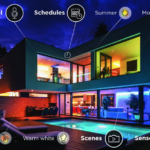
- Smart Lighting: Energy efficiency, customizable ambiance, and remote control. Best Solution: Philips Hue.
- Smart Security Cameras:
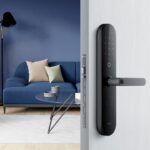
- Smart Locks: Keyless entry, enhanced security, and remote control. Best Solution: August Smart Lock Pro.
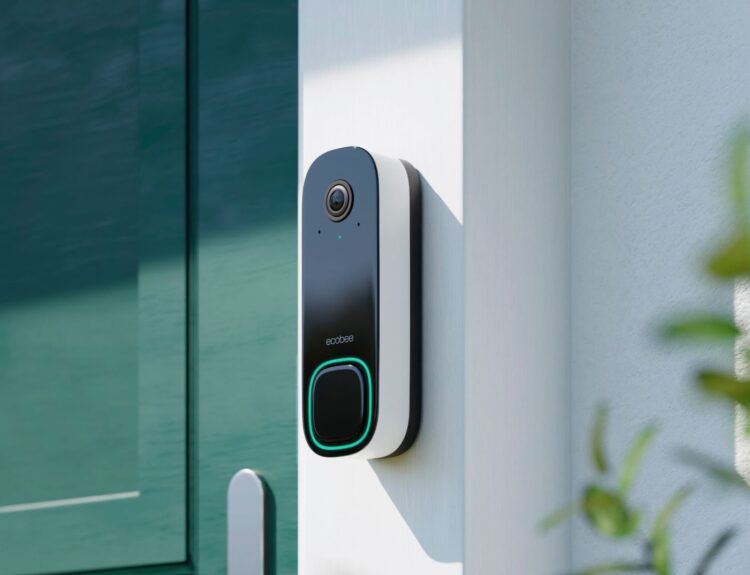
- Smart Doorbells: Real-time visitor notifications, two-way communication, and motion detection. Best Solution: Ring Video Doorbell Pro 2.
- Smart Plugs: Remote control of appliances, energy usage monitoring, and scheduling features. Best Solution: TP-Link Kasa Smart Plug.
- Smart Speakers: Voice control capabilities, high-quality audio, and central hub functionality. Best Solution: Amazon Echo (4th Gen).
- Smart Vacuum Cleaners: Autonomous cleaning, time-saving features, and advanced mapping capabilities. Best Solution: iRobot Roomba i7+.
- Smart Home Hubs: Centralized control, enhanced automation, and improved integration. Best Solution: Samsung SmartThings Hub.
- Smart Blinds: Automated light and privacy control, enhanced energy efficiency, and remote control. Best Solution: Lutron Serena Shades.
3. Smart Security Cameras
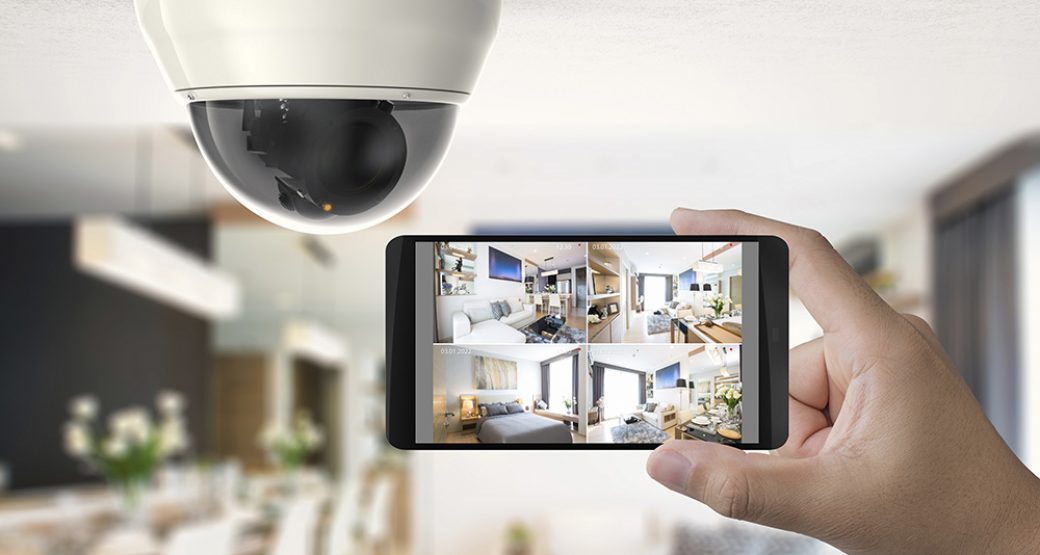
Introduction: Ensuring home security manually can be challenging and might not provide real-time monitoring and evidence recording. Smart security cameras address these concerns by offering advanced features such as high-definition video, motion detection, and remote access. These devices provide peace of mind by allowing homeowners to monitor their property in real-time and receive alerts for any unusual activity.
Problem Statement: Traditional security measures, such as mechanical locks and basic alarm systems, may not provide the level of protection and convenience that modern homeowners desire. There is a need for more advanced solutions that offer real-time monitoring, remote access, and automated responses to potential threats.
Benefits: Smart security cameras offer numerous benefits that enhance home security and convenience. These devices provide high-definition video quality, allowing homeowners to monitor their property with clarity and detail. Motion detection alerts notify users of any suspicious activity, enabling prompt responses to potential threats. Additionally, smart security cameras store recorded footage in the cloud, providing access to evidence in case of incidents.
Advantages: One of the primary advantages of smart security cameras is real-time monitoring. Homeowners can access live video feeds from their cameras via smartphone apps, enabling them to check on their property from anywhere. This feature is particularly useful for monitoring entry points, driveways, and other vulnerable areas. In case of suspicious activity, users can quickly assess the situation and take appropriate action.
Another significant advantage is motion detection. Smart security cameras are equipped with advanced motion sensors that trigger alerts and recordings when movement is detected. Users receive instant notifications on their smartphones, allowing them to review the footage and determine whether any action is needed. This proactive approach enhances security by providing immediate awareness of any unusual activity.
Remote access is another key advantage of smart security cameras. Homeowners can control their cameras and view live feeds from anywhere using smartphone apps. This feature provides peace of mind, especially when traveling or away from home for extended periods. Additionally, many smart security cameras offer two-way communication, allowing users to speak to visitors or intruders through the camera.
Disadvantages: Despite their many benefits, smart security cameras do have some disadvantages. Potential privacy concerns may arise due to continuous monitoring and recording. Homeowners must be mindful of privacy issues and ensure that their security measures are used responsibly. Additionally, some smart security cameras require subscription fees for cloud storage and advanced features, adding to the overall cost.
Smart security cameras also require a stable Wi-Fi connection to function properly. Any disruptions to the internet can impact their performance and reliability. Users must ensure that their home network is robust and capable of supporting multiple connected devices. Finally, integrating smart security cameras with other smart home systems may pose compatibility challenges, requiring careful selection of compatible products.
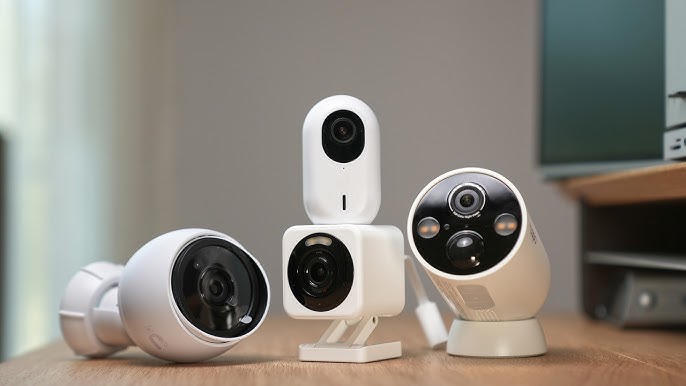
Installation Guide: Installing smart security cameras is a straightforward process, but it is essential to follow the manufacturer’s instructions carefully to ensure proper setup and functionality. Here is a general installation guide:
- Choose Strategic Locations: Identify the best locations for installing security cameras to cover key entry points and vulnerable areas. Consider factors such as visibility, lighting, and accessibility.
- Mount the Cameras: Use the provided hardware to securely mount the cameras. Ensure that the devices are positioned for optimal coverage and that mounting is stable and secure.
- Connect to Wi-Fi: Follow the manufacturer’s instructions to connect each camera to your Wi-Fi network. This typically involves pairing the device with your smartphone app and entering your network credentials.
- Download the App: Install the app associated with your security cameras and follow the setup instructions. The app will guide you through the process of configuring settings and accessing features.
- Configure Settings: Customize motion detection, alerts, and recording settings to suit your security needs. Adjust sensitivity, set detection zones, and define notification preferences.
- Test the System: Ensure that all cameras are working correctly and that you receive alerts and notifications as expected. Test the live video feed, motion detection, and two-way communication to confirm proper functionality.
Comparison: There are several popular smart security cameras on the market, each with its unique features and capabilities.
Smart Security Cameras
| Security Camera | Price | Best Feature |
|---|---|---|
| Google Nest Security Cam (Wired) | $88.00 | Best for smart home newbies |
| Ecobee SmartCamera Indoor Wi-Fi Security Camera | $96.00 | Best for HomeKit users |
| Blink Outdoor 4 | $100.00 | Best for Alexa users |
| Blink Mini 2 | $40.00 | Best budget security camera |
| Reolink Altas PT Ultra | $180.00 | Best with solar power |
| Ring Spotlight Cam Wired | $199.99 | Best for motion-activated alerts |
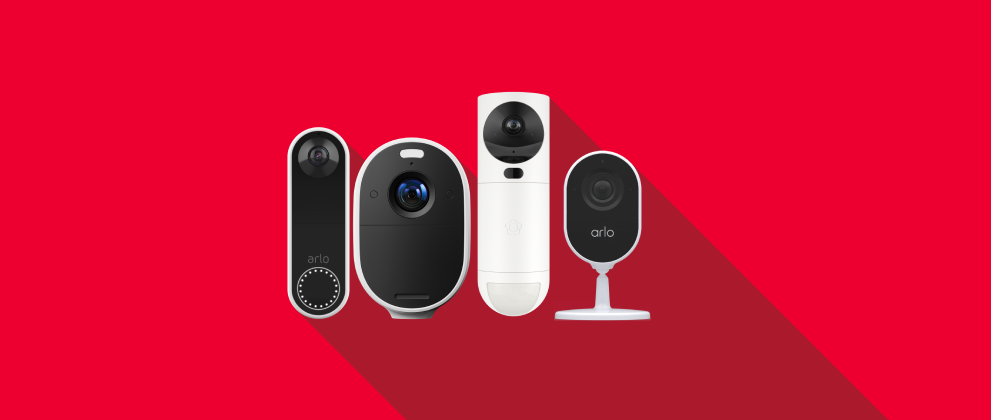
| Arlo Pro | $249.99 | Best for multiple cameras |
| Wyze Cam | $34.99 | Best for affordability |
| Nest Cam Wireless | $179.99 | Best for seamless integration |
| Eufy SoloCam S340 | $129.99 | Best solar-powered camera |
Best Solution: The Arlo Pro 4 is a top choice for its wire-free installation, high-definition video quality, and integrated spotlight. Its advanced features and comprehensive coverage make it an excellent option for homeowners seeking enhanced security and peace of mind.
You can find more detailed reviews and comparisons on Engadget, The Rocket Electronics Blog, TechRadar, PCWorld, and Tom’s Guide.